
Your Professional LCD Module Manufacturer
Capacitive touch screen data processing process
Release time:
2021-08-11 17:37
Source:
After the Capacitive touch screen receives the touch signal, it converts the touch data into electrical pulses and transmits them to the touch screen control IC for processing. The signal is first amplified by a low-noise amplifier LNA, then through analog-to-digital conversion and demodulation, and finally sent to a DSP for data processing.
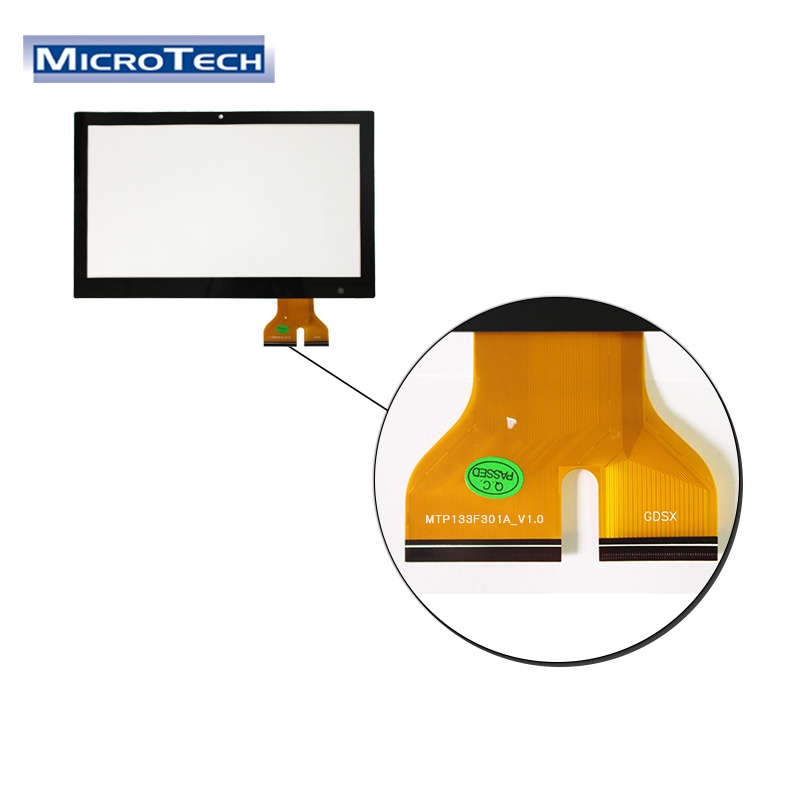
Capacitive touch screens generally have M+N (M columns and N rows) physical capacitive touch sensors. The M+N interlaced sensors form M*N capacitive sensing points. When the user's finger approaches the touch screen, its capacitance will change accordingly. The distance between the sensors (that is, the distance between adjacent rows or columns) is usually about a few millimeters, and this distance determines the physical resolution M*N of the touch screen.
The coordinate system between the Capacitive touch screen module and the LCD module is completely different. The pixel coordinates of an LCD module are generally determined by its resolution. For example, a WVGA screen has a resolution of 800*480, which means that there are 800 lines with 480 RGB pixels in each line. Thus, a specific position can be determined by the pixel points (x, y) in the X and Y directions. The Capacitive touch screen module determines the coordinate system according to its original physical size in the X and Y directions. A reasonable mapping method must exist between the two coordinate systems to ensure the correctness of input and output operations.
Therefore, the DSP processor of the touch screen control IC has to perform the pixel mapping conversion between the Capacitive touch screen module and the LCD module on the obtained data, so as to ensure that the touch point of the user is the point pointed by the user on the touch screen.
In addition, in order to maintain the stability of the touch coordinates, the Capacitive touch screen control IC needs to further process the jitter of the touch point, including the jitter of the finger and the noise of the capacitance data, and change the filter coefficient of the low-pass filter according to the change of the coordinate to realize the coordinate Smoothing.
Finally, before sending the data to the host, you have to use the software to analyze the data to determine what function each touch is used for. This process involves determining the size, shape, and location of the touched area on the screen. If necessary, the processor will organize similar touches into groups. If the user moves the finger, the processor calculates the difference between the start point and the end point of the user's touch.
Featured Articles
The Difference Between IPS and TN Displays
IPS (In-Plane Switching) and TN (Twisted Nematic) are the two most common technologies currently used in liquid crystal displays. Each has its own strengths and weaknesses, and below I will detail the differences between them.
The Next Generation of Displays: Capacitive Touch Panels
Explore the innovative world of capacitive touch panels and how they are revolutionizing the consumer electronics industry. Learn about the benefits, features, and applications of these cutting-edge d
All You Need to Know About Graphic LCD Modules
Explore the world of graphic LCD modules in the consumer electronics industry, specifically in the realm of LCD display modules. Learn about the features, benefits, and applications of graphic LCD mod
Revamp Your Display Experience with Capacitive Touch Panels
Enhance your viewing experience with the latest technology in display panels - capacitive touch screens. Learn how these advanced panels can revolutionize the way you interact with your devices and ta
Microtech
Microtech Technology Company Limited established in 2001,offers professional design and manufacturing services for hundreds types of Liquid Crytal Display modules and Touch Panels-TN,FSTN,TFT,RTP,CTP.


